
Learn PLC programming one circuit at a time.
17 Beginner lessons, then Intermediate and Advanced courses, in ladder, function block diagram, SFC and Structured Text. The first two lessons are free.
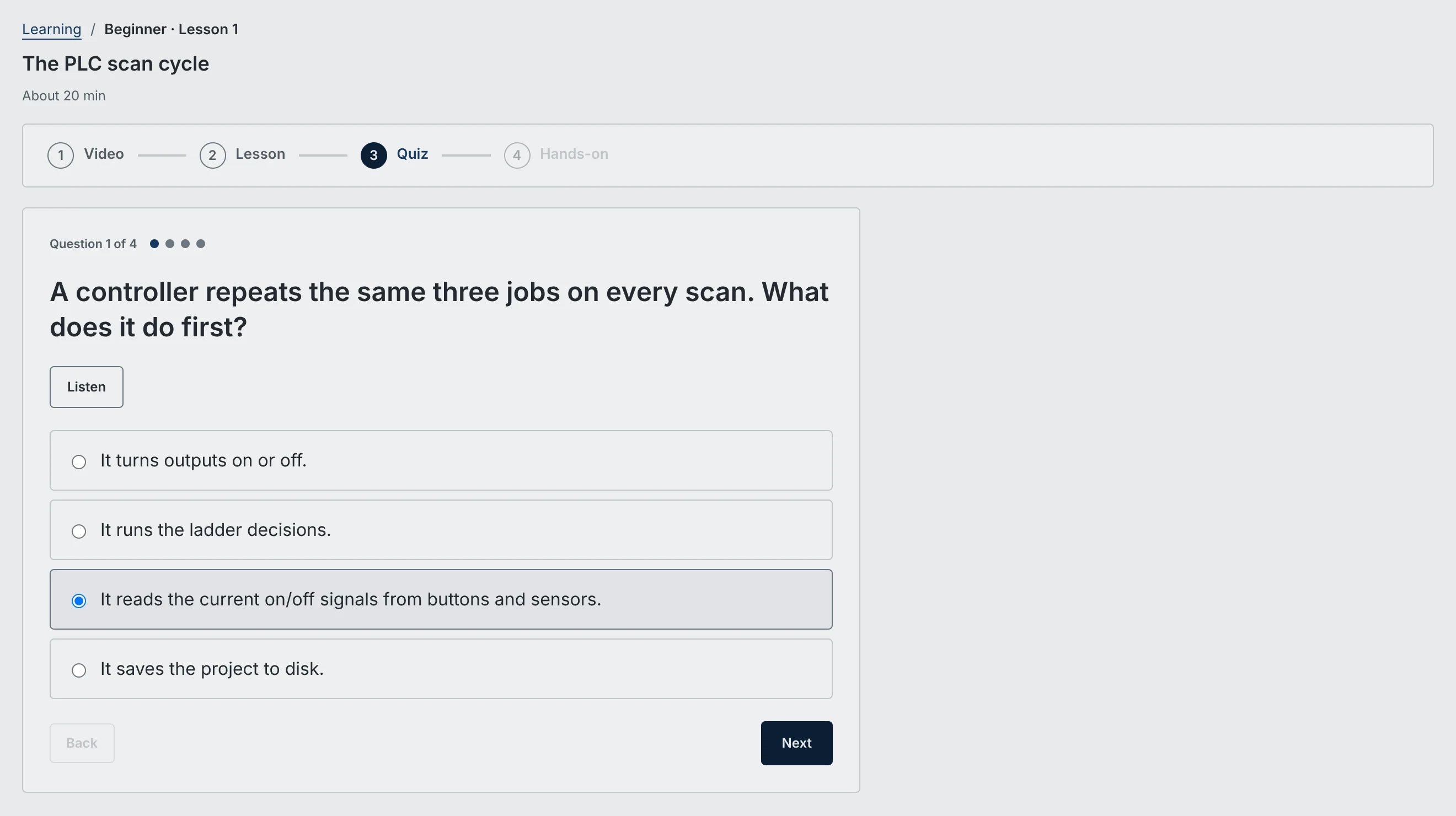
How a lesson works.
Video
A short walkthrough of the idea. Beginner videos are free with an account.
Lesson
Short steps, one idea each.
Quiz
A short quiz, with the reason behind every answer.
Hands-on
Build the circuit in the real workspace. Check my work runs it and tells you what to fix.
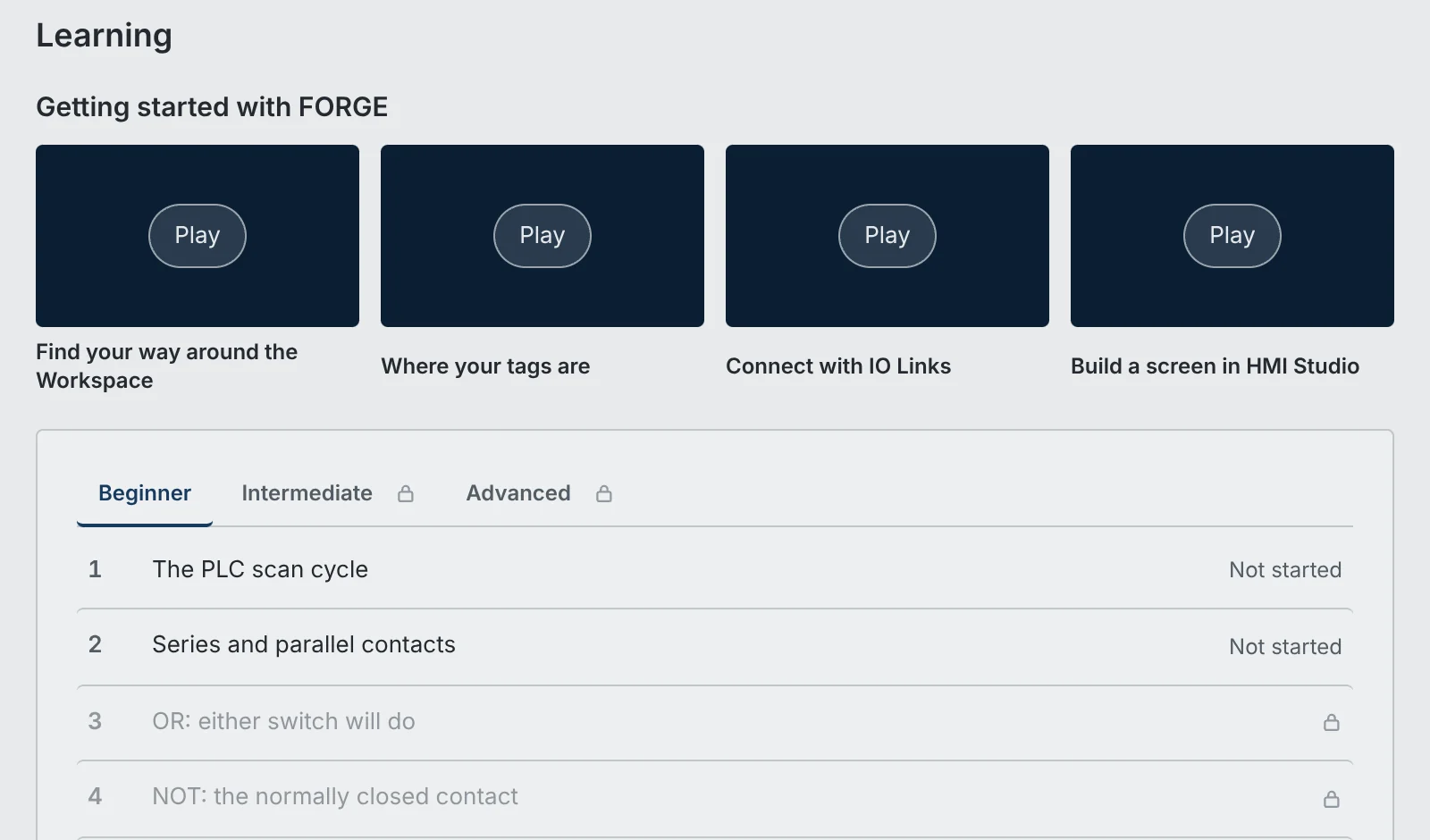
Beginner lessons
- 1The PLC scan cycleRead inputs, run logic and update outputs.Free20 min
- 2Series and parallel contactsLight a lamp when both signals are on, or when either one is.Free20 min
- 3OR: either switch will doTurn a lamp on from either of two switches with parallel branches.Pro15 min
- 4NOT: the normally closed contactTurn an output on while an input is off.Pro15 min
- 5The seal-in circuitKeep an output on after Start is released.Pro20 min
- 6Field devices and a fail-safe StopWire Stop so a broken wire stops the motor.Pro20 min
- 7Latch and unlatch coilsSet an output, then clear it with a separate instruction.Pro20 min
- 8Edge detection with a one-shotMake a signal last for exactly one scan.Pro20 min
- 9Stop, edit and runEdit the ladder while stopped, then run it to test.Pro15 min
- 10First troubleshootingFollow the green on a live rung to find the wrong contact.Pro20 min
- 11Create and use tagsName your signals, then use them in a rung.Pro15 min
- 12Choose the right data typeBOOL, DINT, REAL and STRING, and what a mismatch does.Pro15 min
- 13Build an operator screenBind a button and an indicator to tags in HMI Studio.Pro15 min
- 14Read stock from a Web API LinkLight a low-stock lamp from an offline practice inventory.Pro25 min
- 15From a button to a real LEDBuild an LED seal-in with simulated buttons.Pro25 min
- 16Read a sensor over ModbusUse coils and registers with the built-in Modbus practice device.Pro25 min
- 17Browse an OPC UA serverImport tags from the built-in Practice server and light a lamp from its tank level.Pro25 min
Intermediate and Advanced courses Pro
Intermediate · 16 courses
- On-delay timing
- Off-delay and retentive timers
- Counting events
- Comparing values
- Moving and calculating data
- Building and troubleshooting a sequence
- User-defined types
- Logic classes
- Step-number state machines
- Bit and word logic
- Intro to Function Block Diagram routines
- Intro to Sequential Function Charts
- Scaling an analog level
- Interlocks and permissives
- Latched alarms
- Chained timers and a flasher
Advanced · 12 courses
- Organizing logic into routines
- Text and number conversions
- Capstone: a small machine
- Machine states
- Recipes with a data type
- HMI alarms and screens
- Handling a lost link
- Speed reference to a drive
- Text logic: assignment and IF
- Text logic: timers
- Text logic: CASE for a sequence
- Text logic: FOR and the loop limit
Practise between lessons.
73 practice exercises in 15 topics, from Easy to Elite. Each one opens in the workspace and is checked when you submit.
- XP and levelsEvery exercise you pass earns XP. Higher levels unlock harder exercises.
- Daily exerciseA new exercise each day, with bonus XP.
- LeaderboardSee where you rank by username. Students in a class see their class only.
- Connection topicsProModbus TCP, OPC UA, Web API, SQL and MicroControllers.
Start with the scan cycle.
One button, one lamp, twenty minutes.