
Simulators and scenes
A scene is a simulated machine you can practise on in the FORGE PLC simulator. Your program reads its sensors and writes its actuators through mapped tags.
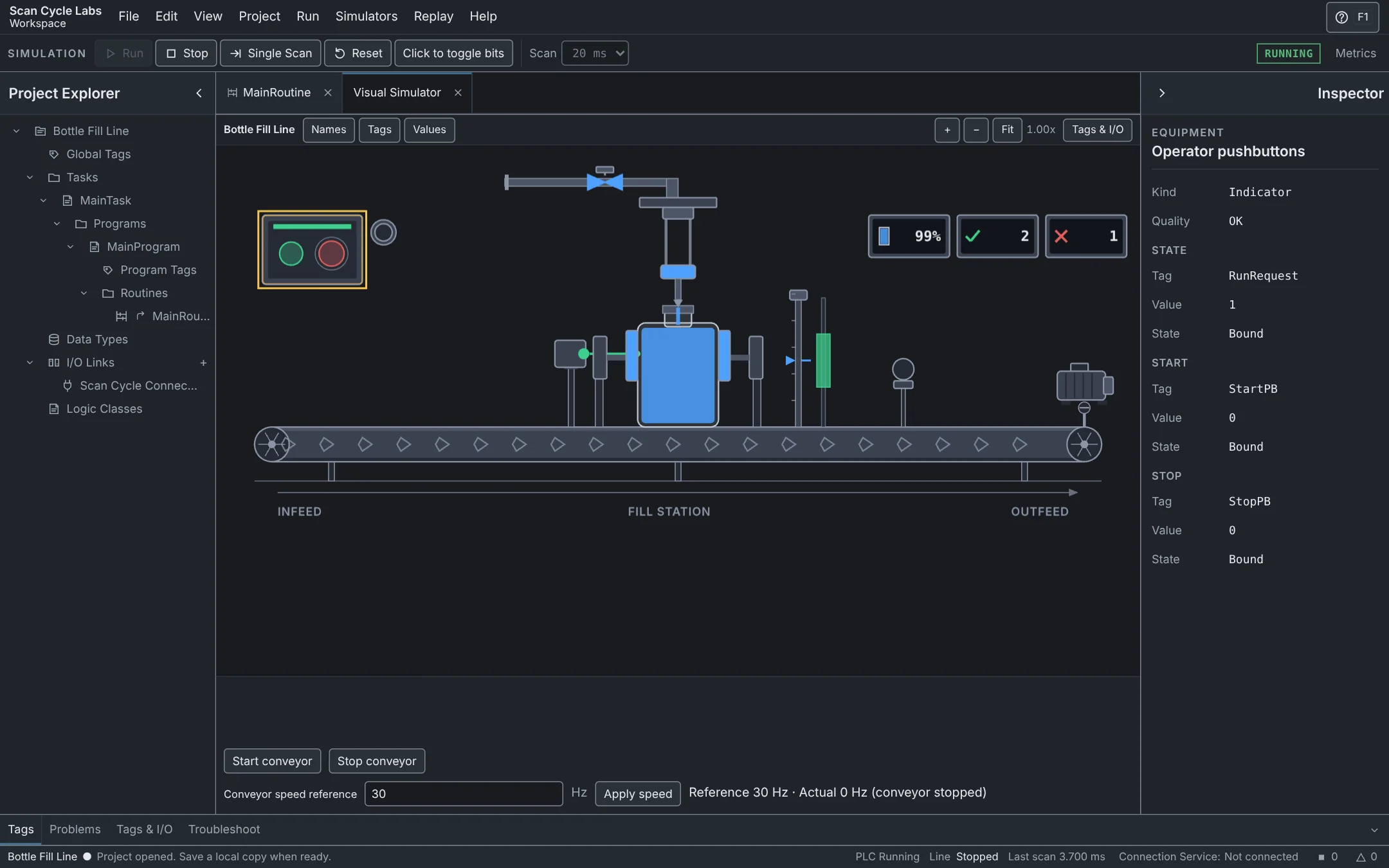
The eight scenes
| Scene | Plan | What you practise |
|---|---|---|
| Bottle Fill Line | Free | Seal-in start and stop, conveyor permissives, a timed fill, counting and a 4–20 mA height check. |
| Motor + Conveyor | Pro | Start a motor and watch it drive a conveyor belt. |
| Tank Level Process | Pro | Fill a tank between two setpoints and watch the alarms. |
| Tank Level PID | Pro | Hold a tank at its setpoint with a PID loop on the fill valve. |
| Batch Packing Conveyor | Pro | Count cartons into a bin and empty it when the batch is full. |
| Pallet Transfer Sequence | Pro | Move a pallet across a gap one step at a time, with a timeout on each step. |
| Divert and Reject Conveyor | Pro | Inspect each part and push bad parts off the belt. |
| AMR Cell Transfer | Pro | Dispatch robots over a Web API, watch them over WebSocket and run each dock handshake over OPC UA. |
Each scene opens with a sample project whose tags are already mapped to the machine's sensors and actuators.
Run a scene
- Open a sample project with a scene, such as Bottle Fill, from the Workspace.
- Open the scene from Simulators. Check its sensor and actuator tag mappings before running.
- Use Single Scan to inspect one PLC scan, or Run to let the program and process advance.
- Watch the scene and Tags together. If an actuator does not respond, check its mapping, the rung condition and the output value.
- Stop before editing logic or mappings. Use Reset when you want to start the exercise again.
Simulation time
PLC time advances by the configured scan time. A browser animation is a view of the simulated process; it does not turn Labs into a real-time controller. Simulated equipment is for learning.